🔥 3D Printer Black Friday Deals: picks worth watching →
You are torn between flexible filaments and tough resins for your next 3D printing project. The elegoo vs overture comparison matters because each brand excels in different materials. This guide helps you choose the right product for functional parts, miniatures, or flexible prototypes.
Whether you need high-elasticity TPU for robotics or scratch-resistant ABS-like resin for detailed figures, we have you covered. We evaluated each product based on durability, print quality, and ease of use. For more resin tips, check out our best elegoo resin for miniatures guide.



What will your print cost? Use our filament cost calculator.
Buying Guide
Material Type and Application
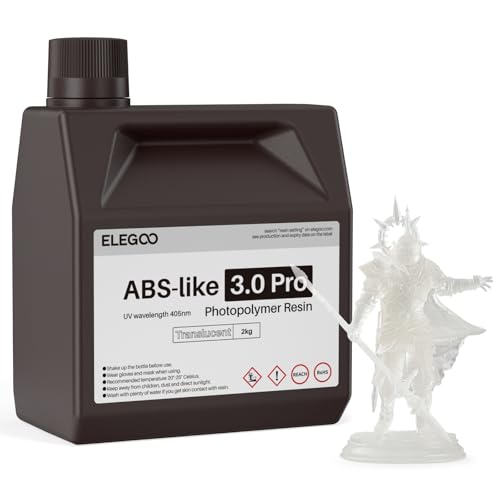
Decide between flexible filament and rigid resin. OVERTURE TPU 95A is ideal for prints that need to bend, like phone cases or robot wheels. ELEGOO ABS-Like 3.0 Pro resin works best for sturdy models such as miniatures and functional parts. For flexible prints, see our best 3D printer for TPU recommendations.
Durability and Scratch Resistance
If your prints face daily wear, scratch resistance matters. ELEGOO ABS-Like 3.0 Pro resin offers higher scratch and heat resistance compared to standard resins. OVERTURE TPU is flexible and resilient but can mark under sharp objects. Choose ELEGOO for long-lasting aesthetics.
Layer Adhesion and Print Quality
Good layer adhesion prevents delamination. OVERTURE TPU provides excellent layer bonding and a smooth finish with minimal clogging. ELEGOO resin ensures high dimensional accuracy and smooth surface finish for detailed models. Both deliver reliable results with proper settings.
Compatibility and Ease of Use
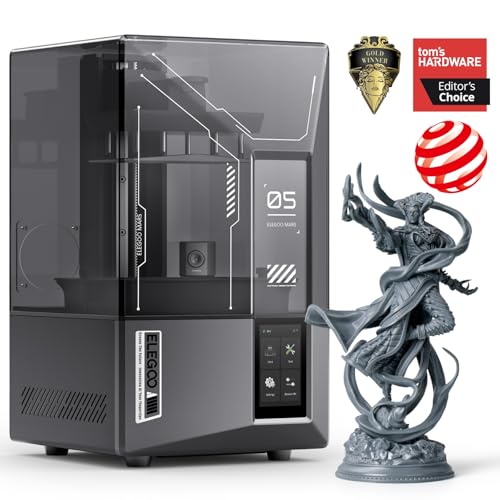
OVERTURE TPU works with most FDM printers, while ELEGOO resin is designed for MSLA/DLP/LCD printers. For resin printers, check our ELEGOO mars 2 pro review for setup tips. Always follow manufacturer guidelines for best results.
Final Thoughts
In the elegoo vs overture matchup, your choice depends on your project. For flexible, durable prints that require bending, choose OVERTURE TPU 95A Flexible 3D Printer Filament. For scratch-resistant, heat-tolerant models with high precision, go with ELEGOO ABS-Like 3.0 Pro 3D Printer Resin. Both deliver excellent value for your needs.
Frequently Asked Questions
Can I use OVERTURE TPU on a resin printer?
No, OVERTURE TPU is a filament for FDM printers, not resin printers. For resin printers, use ELEGOO ABS-Like 3.0 Pro resin. For FDM printers, TPU works well with direct drive extruders.
Which is more durable, TPU filament or ABS-like resin?
ABS-like resin is harder and more scratch-resistant, while TPU filament is flexible and absorbs impact. For durable rigid parts, choose resin. For flexible parts, choose TPU. Both are durable in their own ways.
What is the best setting for ELEGOO ABS-Like 3.0 Pro resin?
Standard settings include a layer height of 0.05 mm and exposure time of 2 to 3 seconds per layer for most LCD printers. For detailed guidance, refer to our best elegoo slicer settings article for 2026.
Does OVERTURE TPU require a heated bed?
OVERTURE TPU prints well on a heated bed set to 40 to 60°C. A build surface like PEI or glass with adhesive helps. For more tips, visit our resin 3D printers category page for related content.