You have finally decided to bring your digital ideas to life with a 3D printer. But standing in front of a wall of options, you might feel overwhelmed. Do you choose FDM or resin? What about filament types? And how do you even learn the software? This guide cuts through the noise. We focus on how to choose a 3D printer by understanding your goals, and we highlight the best books to accelerate your learning. Whether you are a complete newbie or a hobbyist looking to refine your skills, these resources will set you on the right path.
If you are still debating between printer technologies, our comparison of resin vs filament 3D printer can help clarify which approach suits your projects.



Buying Guide: Key Criteria for Choosing a 3D Printer
1. Printer Technology: FDM vs. Resin
The first decision is which technology fits your needs. FDM (Fused Deposition Modeling) printers melt filament and build objects layer by layer. They are affordable, easy to use, and great for functional parts. Resin printers use liquid photopolymer cured by UV light, offering much higher detail for miniatures and jewelry. Your choice determines the types of projects you can tackle.
For a deeper look at two popular FDM models, check our comparison of bambu lab A1 vs P1S to see how features differ within the same brand.
2. Ease of Use and Learning Curve
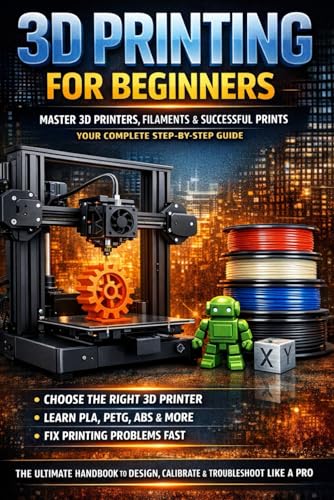
As a beginner, you want a printer that is ready to go out of the box. Look for auto bed leveling, touchscreen interfaces, and a supportive community. The learning curve also depends on the software you use. Books like 3D Printing for Beginners break down slicing, filament selection, and troubleshooting in plain language.
If you are considering a specific brand, our bambu lab vs creality guide highlights differences in user experience and print quality.
3. Build Volume and Print Quality
Think about the size of objects you want to create. A larger build volume lets you print bigger parts in one piece, but it also takes up more desk space. Print quality depends on layer height, nozzle diameter, and the printer’s mechanical stability. For detailed miniatures, a resin printer is ideal. For larger functional parts, FDM is the way to go.
For a real-world example of resin printing performance, read our anycubic photon mono M7 review to see how speed and precision come together.
4. Budget and Total Cost of Ownership
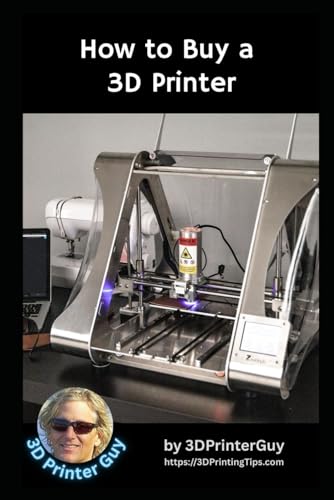
The printer is just the start. You also need filament or resin, a build plate adhesive, tools for post-processing, and possibly an enclosure. Beginners often underestimate the cost of materials and upgrades. Books like How to Buy a 3D Printer: A Beginner’s Guide to 3D help you plan your budget wisely.
If you are also exploring laser engraving, our xTool S1 review shows how another desktop tool can complement your workshop.
Final Thoughts
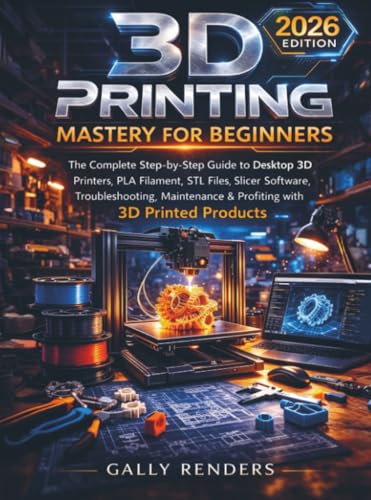
Choosing the right 3D printer comes down to matching the technology with your projects and your willingness to learn. For a comprehensive start, grab 3D Printing for Beginners for its step-by-step approach and affordable price. If you prefer a more in-depth guide that also covers profiting from your prints, 3D Printing Mastery For Beginners from PrimeStack Publishing is an excellent investment. Both books will give you the confidence to start printing successfully.
Frequently Asked Questions
What is the best 3D printer for a complete beginner in 2026? For most beginners, an FDM printer like the Creality Ender 3 or Bambu Lab A1 offers a good balance of price and ease of use. Pair it with a beginner-friendly book like 3D Printing for Complete Beginners to learn the ropes quickly.
Do I need a 3D printer to learn 3D printing? No, you can start with online simulators and slicing software. But having a printer lets you practice troubleshooting and material handling. Books like 3D Printing For Dummies cover both theory and hands-on tips.
How much does it cost to start 3D printing as a hobby? Entry-level FDM printers start around $200, plus $20 for a spool of PLA filament. Resin printers are similar in price but require additional supplies like resin and cleaning stations. Budget guides like 3D Printing Made Easy for Newbies and Hobbyists help you plan your first purchases.
What software do I need for 3D printing? You need a slicer program like Cura or PrusaSlicer to convert 3D models into printer instructions. Some printers come with proprietary software. For Bambu Lab printers, the book MASTER BAMBU STUDIO 2026 provides a dedicated guide to mastering their slicer.